
Journal Auto-Reconcile
The auto-reconciliation in the Trade Journal aligns trades and results—allowing students to focus on analyzing performance instead of managing data. Since consistent review is key to improving as a trader, this streamlines the learning process.
Start in the Reconcile View of the Journal:
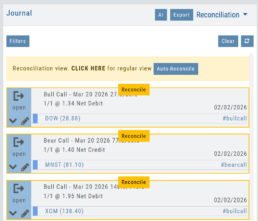
Next, click the  button.
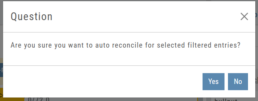
The dialog box to the left will appear:
Click “Yes”
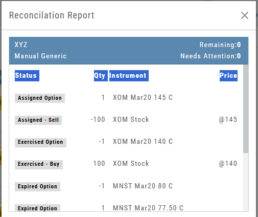
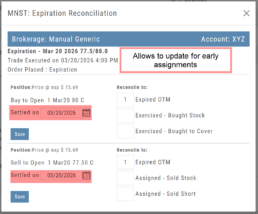
The display will list the resulting action for each expiration.
You can scroll to review.
The arrow icon appears on Journal Tabs that can be edited. 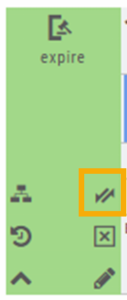
Click on the icon, confirm you want to make changes.
When completed, “Save”
The display will list the resulting action for each expiration.
You can scroll to review.